Traveling Together in Separate Cars: How to Keep Everyone Connected on a Road Trip
Imagine your family is heading to the beach in San Diego. Two cars leave Los Angeles together, one following the other, while a third car starts its trip from Orange County.
Before anyone even reaches the freeway, the group is already split up. The first car makes a yellow light, but the car behind it gets stuck at the red. Now they're separated, and nobody knows how far apart they are. Meanwhile, the car coming from Orange County is trying to figure out where everyone else is.
Then the little things start adding up. Someone needs gas. Another car takes the wrong exit. Traffic slows down. And the passengers in every car are sending the same text messages:
"Where are you?"
"Did you pass that exit?"
"How far away are you?"
What was supposed to be a fun family road trip starts turning into a coordination problem.
But traveling in separate cars doesn't have to mean traveling separately.
With a little planning and the right tools, everyone can stay connected, see where the other cars are, coordinate stops, and make it to the destination together.
Here's how to keep your group connected, from the moment you leave to the moment you arrive.
Before You Leave
A little preparation can make the entire trip easier. Before the cars pull out, take a few minutes to get everyone on the same page.
- Agree on the destination and planned stops. Decide where you're going and where you might stop for gas, food, or a break. Having a few agreed-upon stops gives everyone a natural place to regroup if the cars get separated.
- Choose a navigator for each car. The driver should focus on driving. Let the passenger handle the phone, check the group's locations, read messages, and communicate with the other cars.
- Start sharing before you leave. Get everyone connected while you're still parked. That way, nobody has to pull over or figure out location sharing halfway through the trip.
Share Your Location With the Whole Group
Most smartphones offer some form of location sharing. But when you're traveling with multiple cars, you need more than just sharing individual locations. You want everyone on the same map, whether they're using an iPhone or Android, with a clear picture of where the group is headed and when each car is expected to arrive.
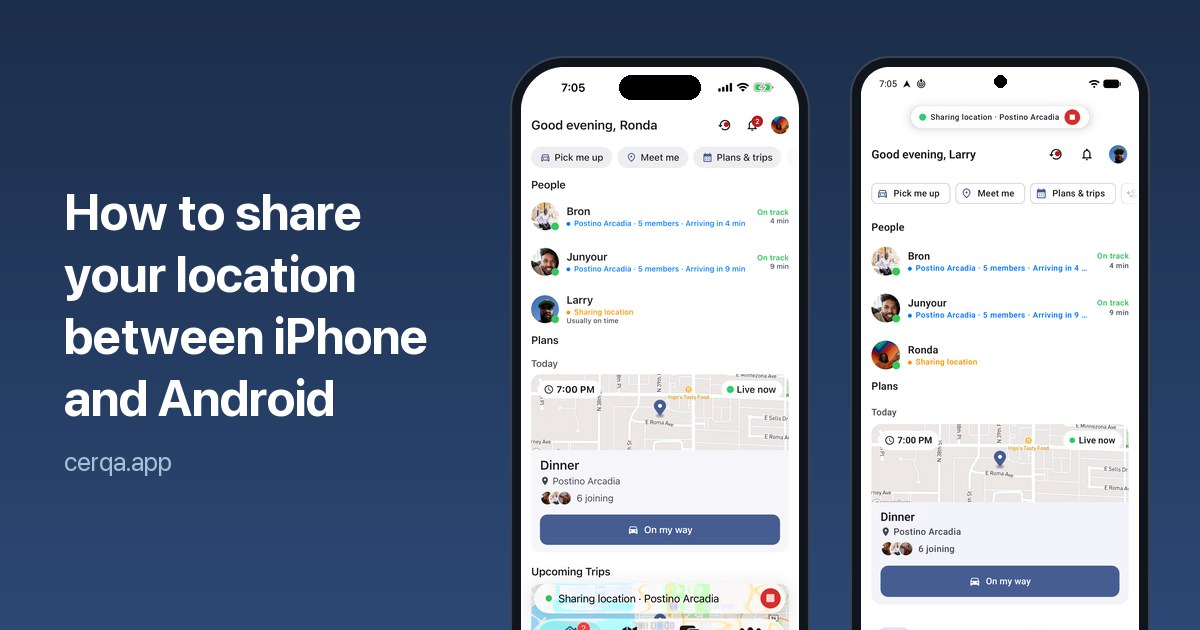
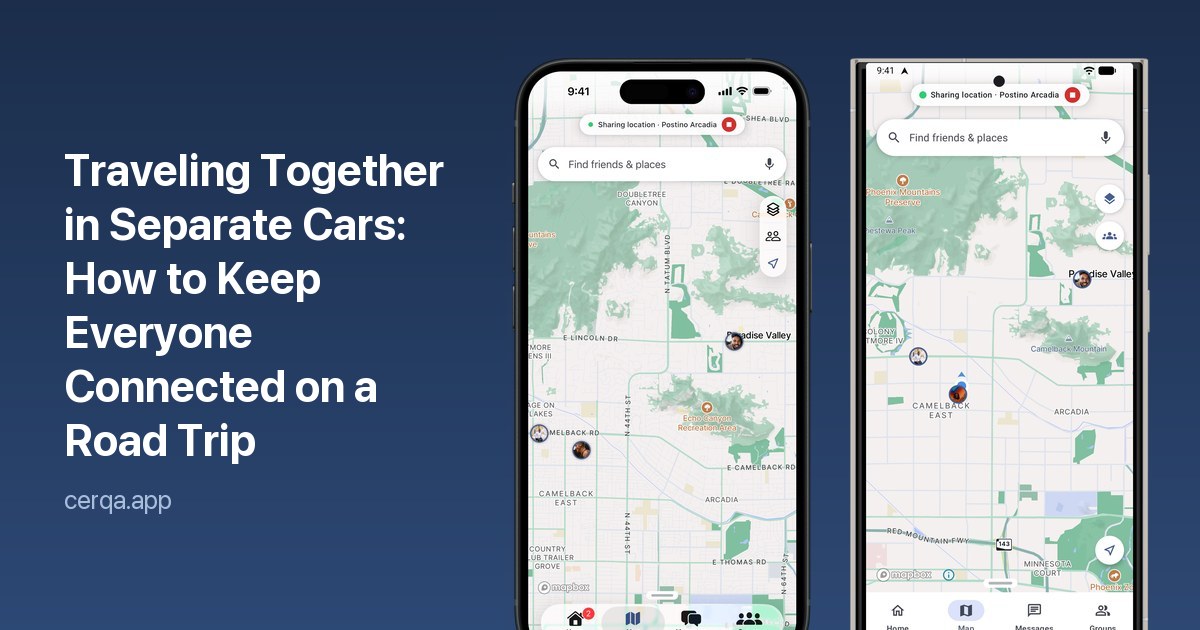
With Cerqa, you can create a group, tap Share Location, select your group, and choose how long you want to share. Once everyone accepts, each person appears on the map, making it easy to see where the other cars are, how far away they are, and their estimated arrival times.
You don't have to remember to turn sharing off later, either. Location sharing automatically ends when the selected time expires, and anyone can stop sharing whenever they choose.
Cerqa also gives your group a shared chat. Instead of sending separate text messages to different cars, everyone can communicate in one place. Need to stop for gas at the next exit? One message reaches the entire group.
When the Group Gets Separated
It happens on almost every trip involving multiple cars. Someone catches a green light while another car gets stuck at a red. A lane closes, traffic slows down, or someone misses an exit.
Getting separated doesn't have to become a problem when everyone can see where the others are.
- Don't try to catch up unsafely. There's no need to speed, weave through traffic, or make risky lane changes just to stay behind another car. You can see where everyone is, so take your time and drive safely.
- Regroup at the next planned stop. If the cars get too far apart, stick to the original plan. Meet at the next gas station, restaurant, or rest stop instead of trying to find each other along the freeway.
- Keep an eye on arrival times. If one car is running 10 minutes behind, everyone knows. The cars that arrive first can decide whether to wait, grab a table, or get settled at the destination.
Navigate Together With Cerqa Pro
For longer drives and larger groups, Cerqa Pro takes group coordination a step further.
With Pro, you can share your location for up to 24 hours with groups of up to 25 people. You also get group navigation, allowing everyone to receive directions to the same destination while seeing each car's route on the map.
This is especially useful when cars leave from different locations or take different routes to meet up. Everyone can navigate independently while still seeing how the rest of the group is progressing.
The free plan supports groups of up to 5 people with location sharing sessions lasting up to one hour, making it easy to coordinate shorter trips and outings.
Above All, Stay Safe
Getting everyone to the destination together is the goal, but arriving safely is what matters most.
Let the passenger handle the phone, avoid texting while driving, and never make sudden or unsafe driving decisions to catch up with another car. Missing an exit or getting separated for a few minutes isn't the end of the trip.
With a shared map, group communication, and a plan for regrouping, everyone can relax and enjoy the drive.
The best road trips aren't about keeping every car bumper to bumper. They're about making sure everyone gets there together.
Questions
What is the best way to keep multiple cars together on a road trip?
Agree on the destination and stops before you leave, have a passenger in each car handle the phone, and share live locations with the whole group so every car can see the others and their arrival times.
Can friends with iPhone and Android see each other?
Yes. Cerqa works on iPhone and Android phones, so everyone shows up on the same map.
Is it free?
Yes. Groups of up to 5 people can share for up to an hour at a time for free. Pro adds sharing for up to 24 hours, groups of up to 25 and group navigation.
What should we do if we get separated?
Don't try to catch up in traffic. Check where the other car is, keep driving safely and regroup at the next stop you agreed on.